

A client portal launch needs a runbook, an owner, and a small first audience. The setup may look complete from the team side while an invitation, permission, or client action still fails in the real portal.
This checklist starts after the portal structure and access model are designed. Use it to stage one pilot account, send a purposeful invitation, support the first response, and decide when the launch is ready to expand.
Set the launch owner and window
Name one person who can coordinate account setup, invitations, client questions, and corrections during the launch. Specialists can resolve individual issues, but the launch owner maintains the complete view.
Record:
- The pilot client account
- The client contacts included in the pilot
- The first action each contact should complete
- The invitation date and the support window
- The teammate who reviews the first completed action
- The condition that allows the next account to launch
Choose a period when the launch owner and the work owner are available. An invitation sent immediately before a weekend, deadline, or team absence creates a poor test because a small issue may sit unresolved.
Use one pilot account
Start with one representative account rather than inviting every client at once. The pilot should reflect the workflow you intend to repeat: the same visible modules, branding, permissions, and first client action.
Before staging the invitation, confirm that the account already has:
- One real Request, Task, file, or Deliverable for the client
- The intended team and portal access
- A stable Client URL
- Client-facing copy that identifies the action and owner
- Private work hidden at the item, folder, board, or conversation level
- A named next step after the client responds
Treat navigation, visibility, branding, and return-visit decisions as launch prerequisites instead of redesigning the portal during the pilot.
Stage the portal contact without sending the invitation
In Sydnee, open Portal access inside the client account and add the pilot contact. Leave the email notice off while the launch owner verifies the account, then send or resend the invitation when the client-facing work is ready. Follow invite clients and manage access for the current controls.
Use a test portal identity with the same access pattern before using the real client's identity. A team preview cannot prove the complete portal route.
Portal users sign in with their email address and a five-digit access code sent by email. They do not create a separate portal password. A person connected to more than one account chooses the account to open after authentication.
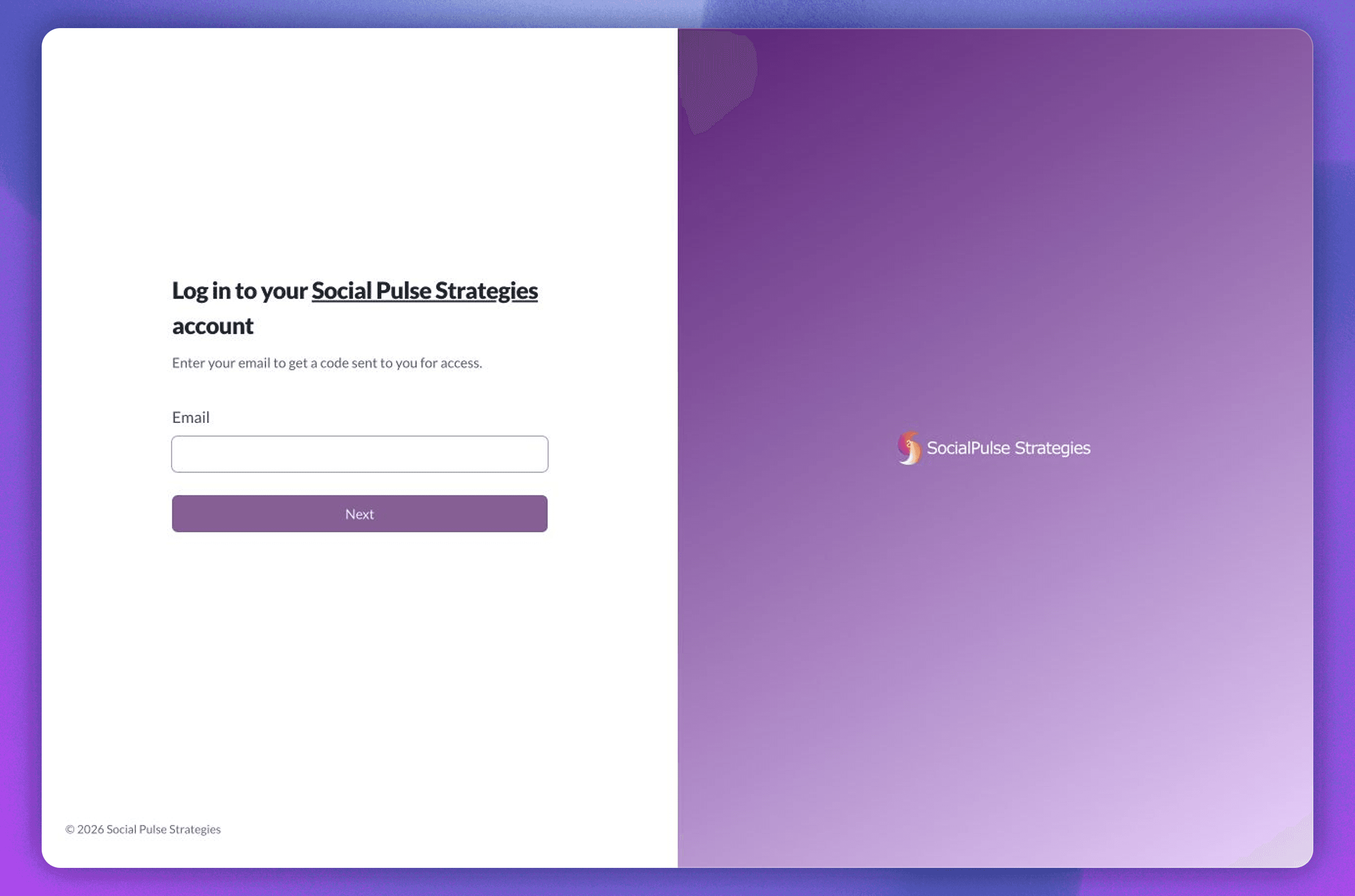
Test the exact Client URL and email address that will appear in the launch instructions.
Run the pilot script from start to finish
The test should reproduce the first client visit rather than checking isolated settings.
- Open the portal from the Client URL.
- Request and enter the emailed access code.
- Choose the pilot account when the identity belongs to more than one.
- Open the named Request, Task, file, or Deliverable.
- Perform the same action the client will receive.
- Follow any confirmation, alert, or direct link produced by that action.
- Sign out, return, and find the work again.
- Repeat the critical route on mobile.
Record each failure with the page, identity, expected result, actual result, and owner. Fix the path, reset the test data when needed, and repeat the whole script. A collection of individually correct screens is not yet a successful client journey.
Prepare an invitation with one purpose
Sydnee's built-in portal invitation uses a standard subject and layout. When you first add a client, use the optional Personal note to name the first job and support path. If your launch needs a custom subject and a fully tailored message, send a separate launch email after granting portal access.
Use this structure for that separate launch email, or adapt the body for the Personal note:
Subject: Complete your website discovery Request
We have prepared your client portal for the website project. Open [Client URL], enter [client email], and use the five-digit code sent to your inbox. Your first action is Complete website discovery, due [date]. [Owner name] will review your response and confirm the next step. Reply through [support path] if you cannot enter the portal or open the Request.
The invitation names the destination, identity, action, timing, reviewer, and recovery path. Keep secondary feature explanations out of this message; they can wait until the client has completed the first job.
Support the first response
On launch day, the owner should be ready for a small set of predictable questions:
| Client symptom | First check | Safe next action |
|---|---|---|
| No access code arrives | Confirm the invited email and ask the client to check spam or filtered mail | Ask them to select Change Email, enter the invited address again, and request another code |
| The client enters the wrong account | Confirm which memberships belong to that portal identity | Direct them to the intended account without changing unrelated access |
| A link opens an unavailable item | Test the route with the same portal identity and access pattern | Correct access at the smallest relevant module, audience, board, section, task, folder, file, or conversation boundary, or send the permitted destination |
| The page has no clear action | Compare the invitation with the visible Request, Task, file, or Deliverable | Update the client-facing instruction and resend the exact link |
| The client performs the action but hears nothing | Confirm the named reviewer received the result | Acknowledge the response, then have the responsible teammate create or publish the next action |
Resolve access problems at the smallest relevant boundary. Broadening the entire account to make one link work can expose work that was meant to remain private. Use the sign-in and access recovery guide when a client cannot enter the intended account.
Verify the launch after the first action
The launch owner should review both the client experience and the team's response:
- Did the intended person enter the intended account?
- Did the invitation lead directly to the named job?
- Could the client complete it without a separate walkthrough?
- Did the named teammate review the result?
- Did the responsible teammate create or publish the next action in the correct module?
- Could the client return to the current work later?
- Did any temporary launch instruction remain visible after it stopped being useful?
Where Sydnee records an open or view event, treat it as evidence of access only. It does not establish approval, acceptance, or a complete download. Use an explicit decision when the workflow requires one.
Use an expansion gate
Launch the next account when every statement is true:
- The pilot client performed the first job.
- The team responded through the planned workflow.
- No private work appeared in the client path.
- Sign-in and direct links worked on desktop and mobile.
- Invitation and recovery copy matched the visible interface.
- Every correction has an owner or is complete.
- The repeatable account setup has been updated with what the pilot taught you.
If one statement remains open, keep the launch at pilot scope. The goal is a repeatable handoff from invitation to useful client action, not a large invitation count.
Use the client portal best-practices guide for the ongoing experience after launch. To test this runbook against your own client workflow and access model, book a Sydnee demo focused on the client journey.







