

We are thrilled to announce an exciting new feature for Sydnee Client Portals: the ability to invite and add your team members! This enhancement is designed to make collaboration easier and more efficient for you and your team.
Team Member Support
Invite with Email Addresses
You can now invite team members by entering their email addresses.
Belong to Multiple Teams
Already using Sydnee but want to join another team? Multiple team support is now included. Navigate to your personal settings or choose “Switch Team” from the dropdown menu by clicking your profile image.
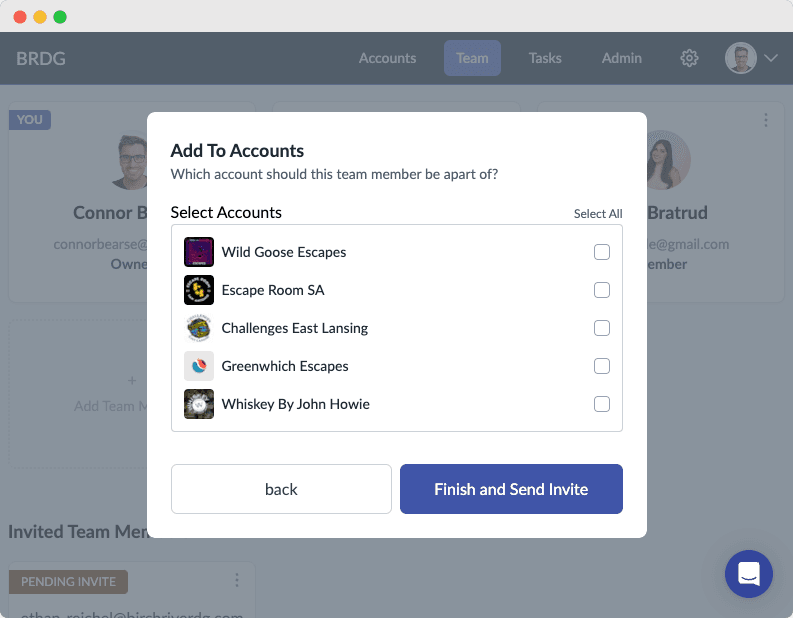
Account Access Control
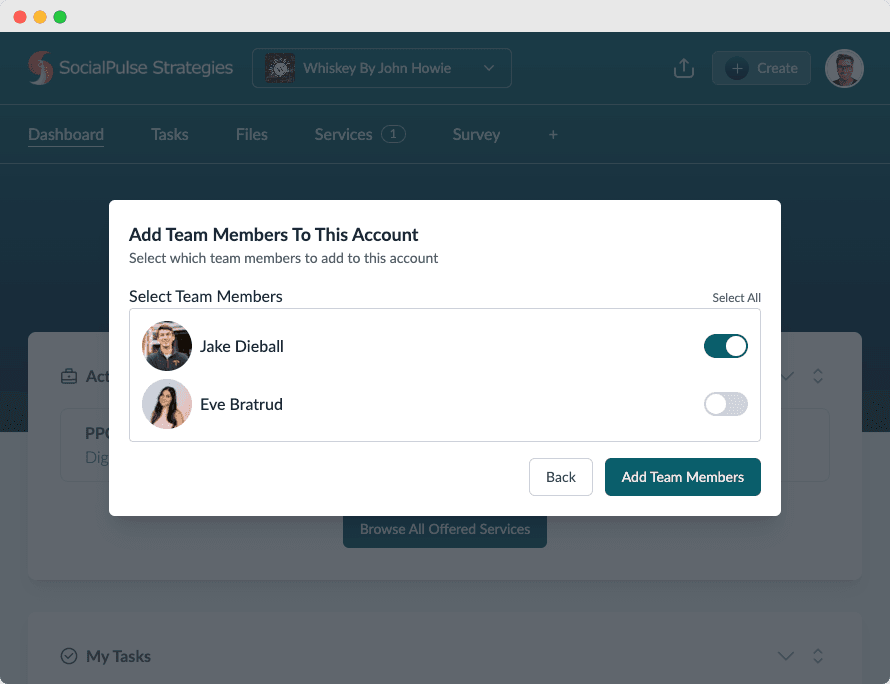
Decide which accounts your team members have access to, either during the invite process or at any time afterwards. This ensures that the right people have access to the right information.
Invite Your Team Members
Open Team → All Team Members in Sydnee and invite the people who need workspace access. Review team roles and company permissions before assigning a role.
If a team member misses the email invite, resend it from the dropdown menu on the pending invitation.
More to Come Sydnee Client Portals
Stay tuned for more exciting updates and features from Sydnee Client Portals. Thank you for being a valued user!
Ready to explore the new team member feature? Sign in to your account now and get started or register today!
For more information about Sydnee Client Portals and our latest updates follow us on Instagram.







